How to Learn AutoCAD Step by Step for Beginners
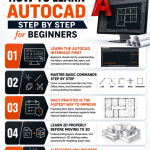
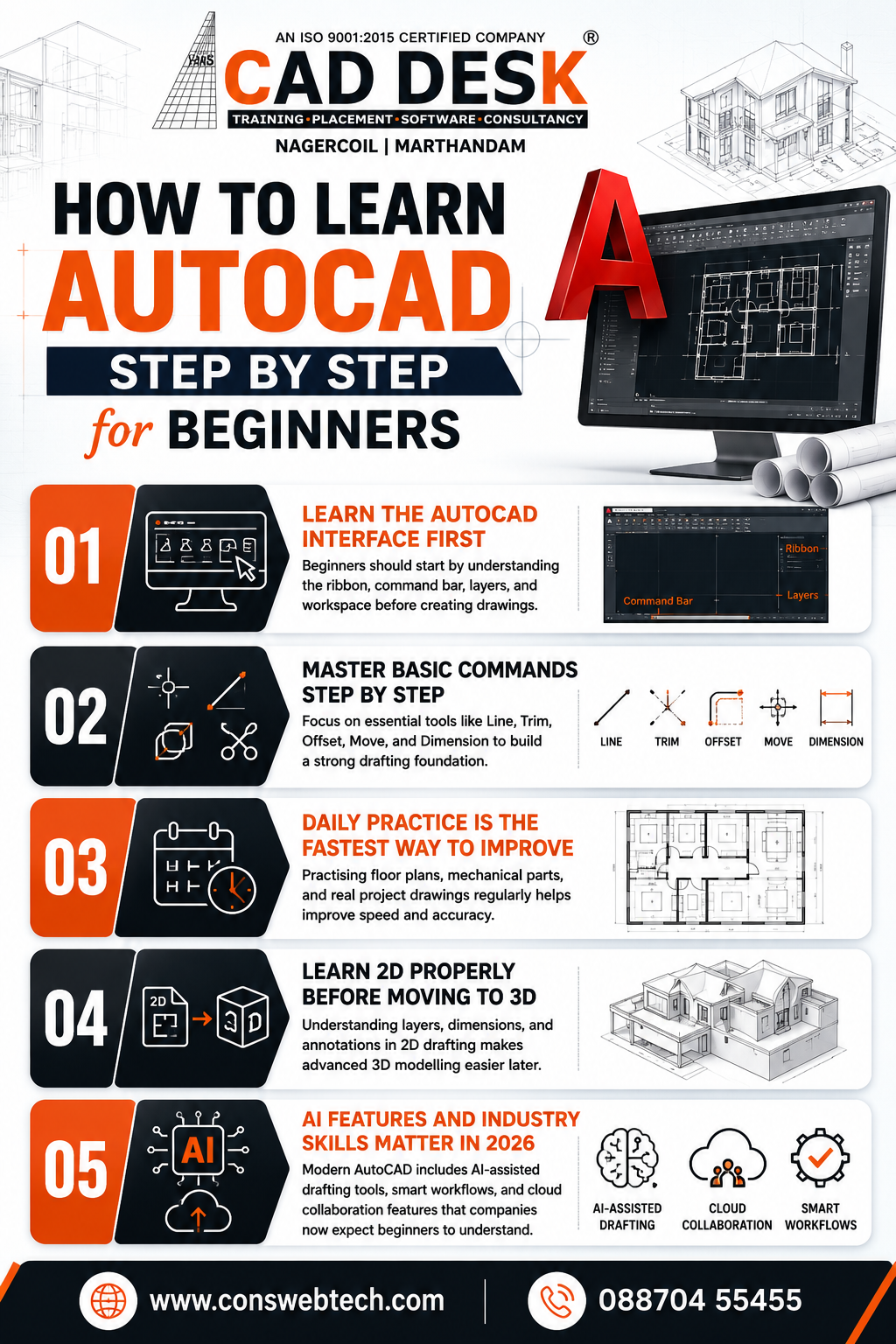
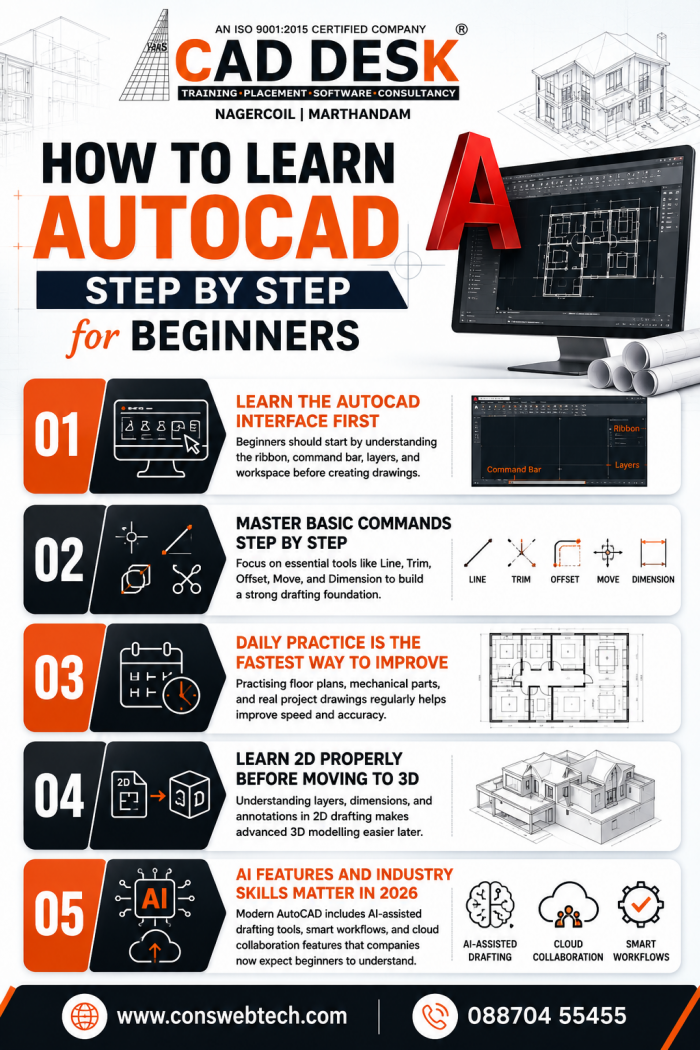
1. Learn the AutoCAD Interface First – Beginners should start by understanding the ribbon, command bar, layers, and workspace before creating drawings.
2. Master Basic Commands Step by Step – Focus on essential tools like Line, Trim, Offset, Move, and Dimension to build a strong drafting foundation.
3. Daily Practice Is the Fastest Way to Improve – Practising floor plans, mechanical parts, and real project drawings regularly helps improve speed and accuracy.
4. Learn 2D Properly Before Moving to 3D – Understanding layers, dimensions, and annotations in 2D drafting makes advanced 3D modelling easier later.
5. AI Features and Industry Skills Matter in 2026 – Modern AutoCAD includes AI-assisted drafting tools, smart workflows, and cloud collaboration features that companies now expect beginners to understand.